
5 Ways in 5 Days Crafty Series DAY 2: Blackout Technique with a Twist + Trimmed Embossing

Hello friends, please join me in welcoming special guest Nina-Marie Trapani for Day 2 of our 5 Ways in 5 Days series! We are delighted to bring this series to you that includes a list of incredible designers including: Laura Bassen, Cathy Zielske, Shari Carroll, Nina-Marie Trapani, Yana Smakula, Nichol Spohr, and Heather Hoffman!
Throughout this series spanning March 30th – April 5th, you’ll be learning 5 unique ways each day to use our fan-favorite Simon Says Stamp 3D Embossing Folders. (Plus! Spoiler alert, you’ll actually have 7 DAYS of education with 2 bonus posts over the weekend! That’s a total of 35 crafty ideas that will be provided for you for FREE to keep your creative juices flowing!!) Today we’re going to focus on Blackout Technique with a Twist + Trimmed Embossing!
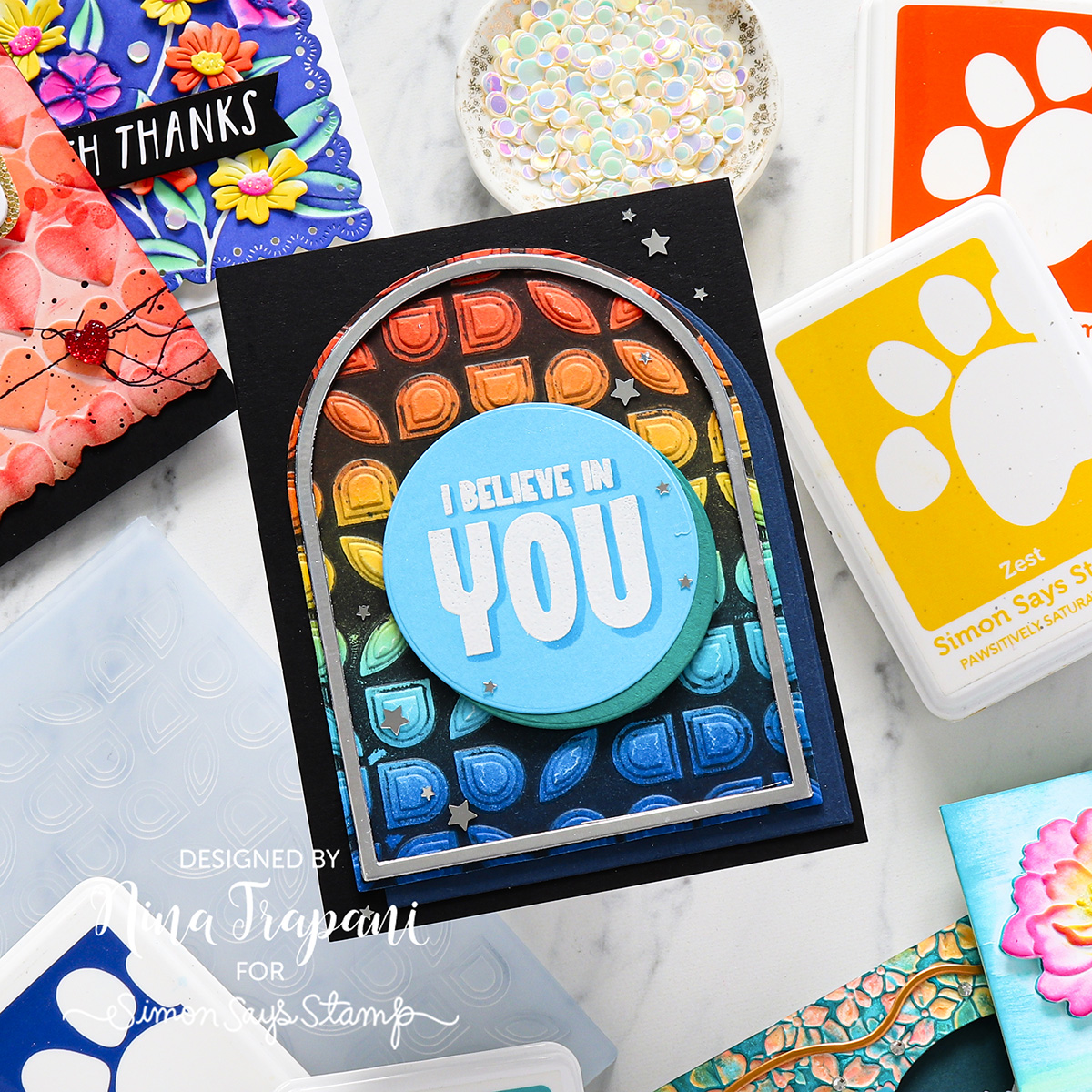
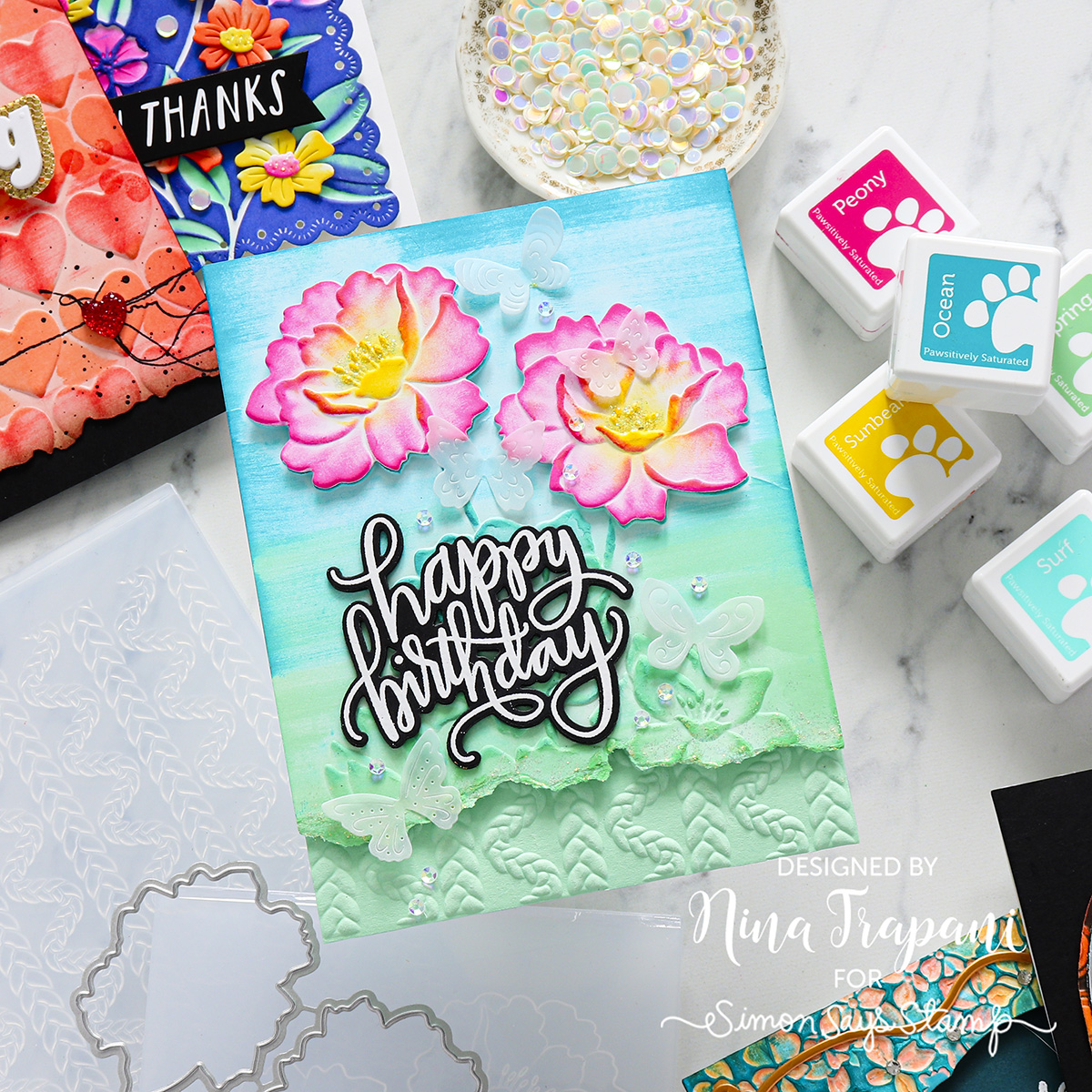
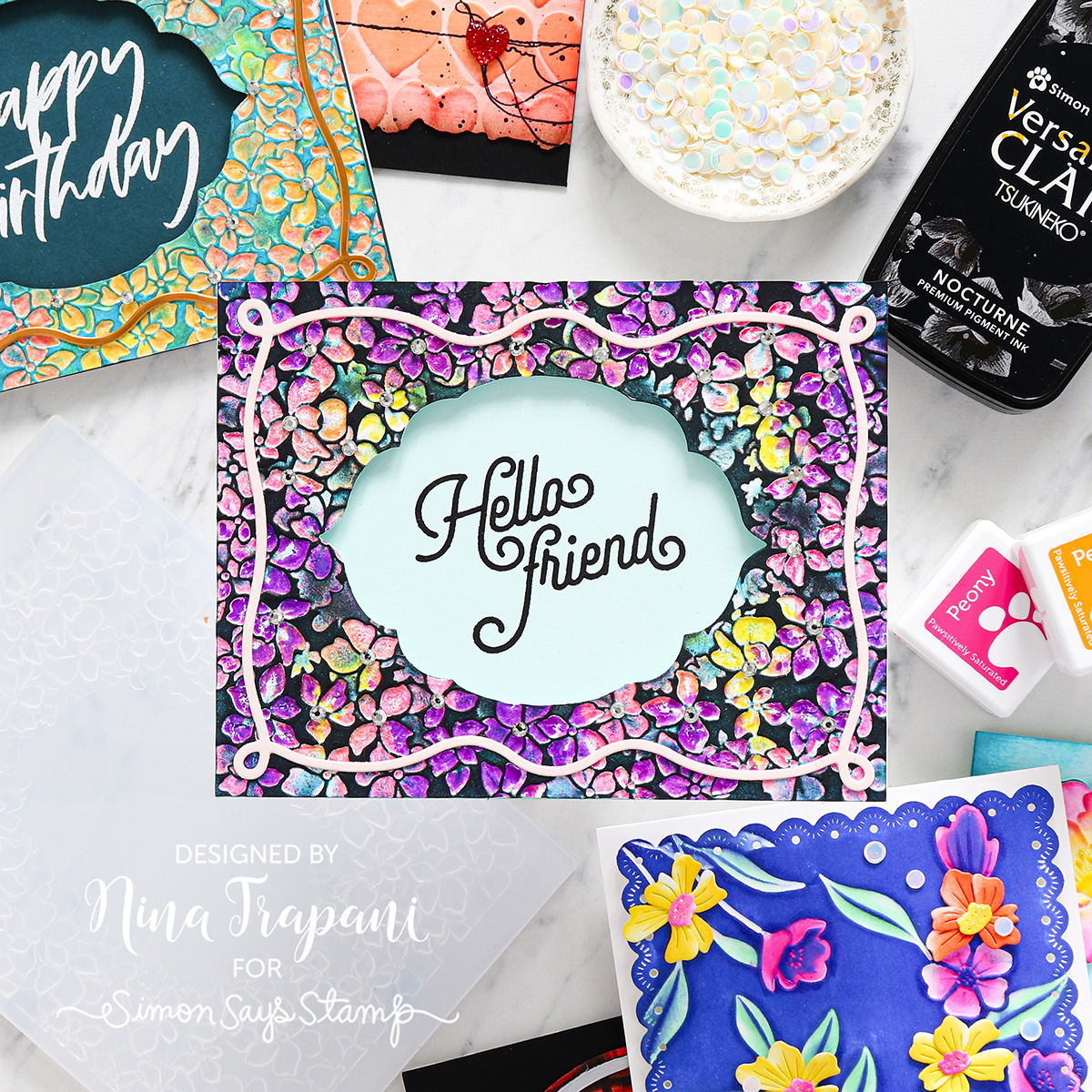
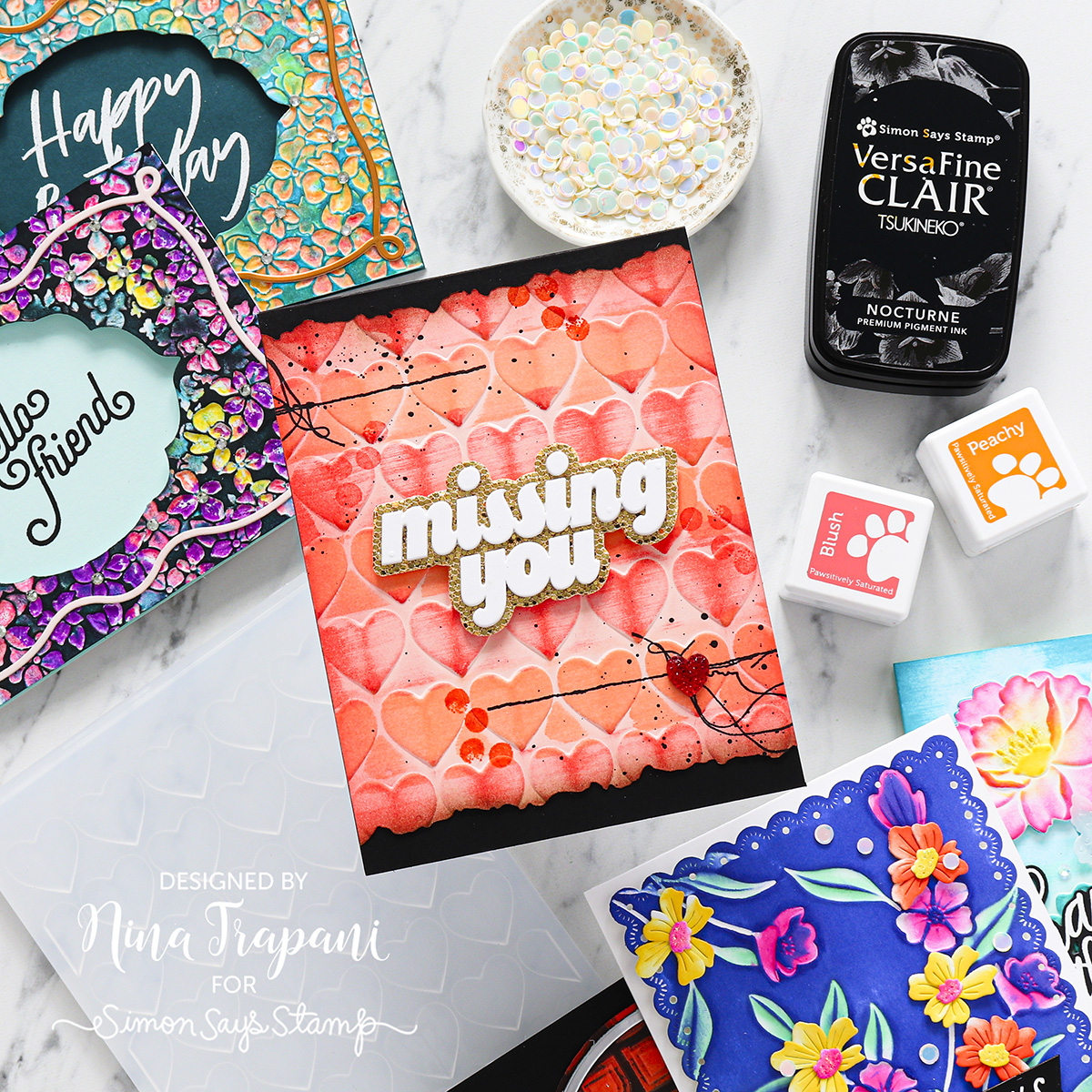
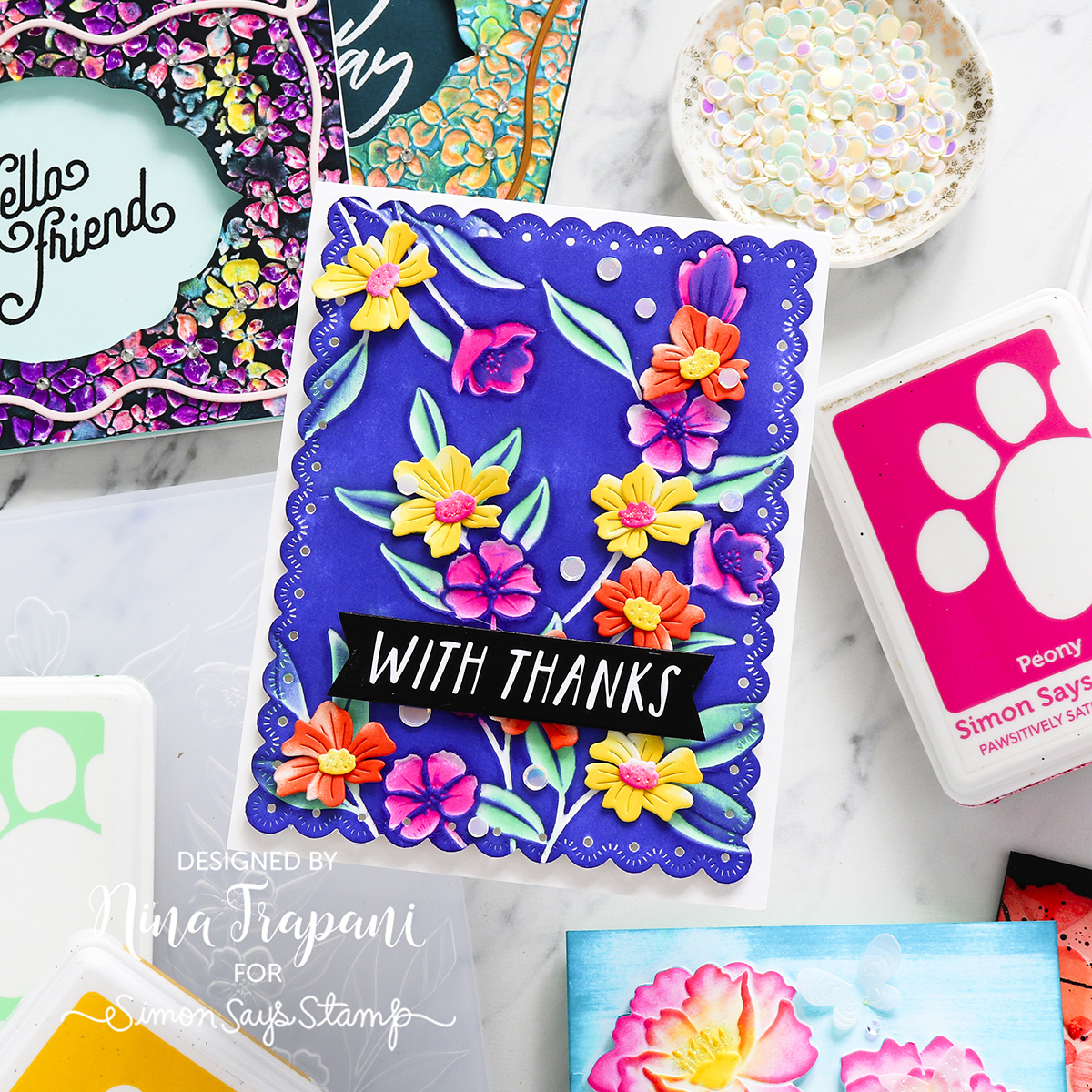
The 5 Ways Showcasing Blackout Technique with a Twist + Trimmed Embossing are:
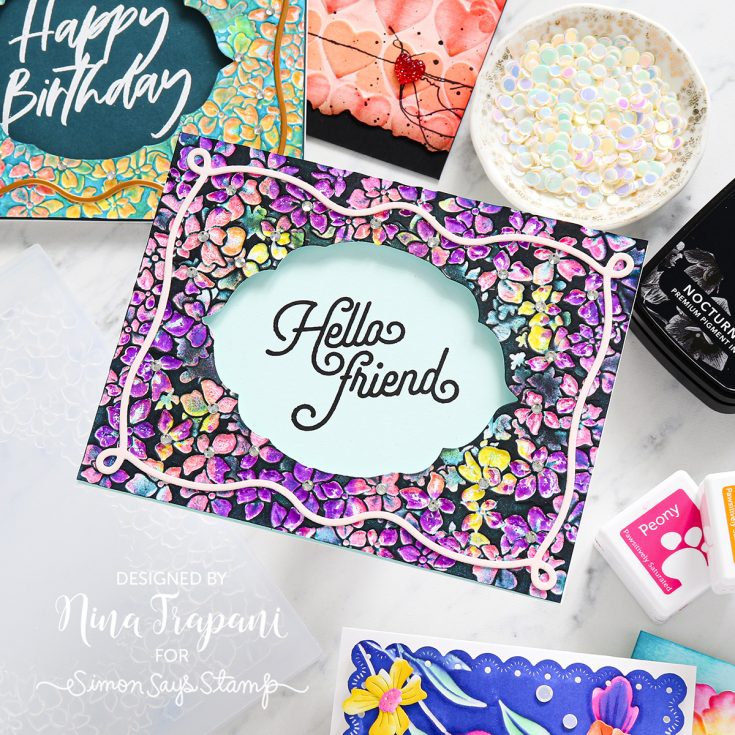
- Blackout technique applying black ink directly to your embossing folder, also use a die cut panel to trim the edges
- Blackout technique using Ink brayer to apply ink to the flat (debossed) portion of the embossed panel, also use a die cut panel to trim the edges
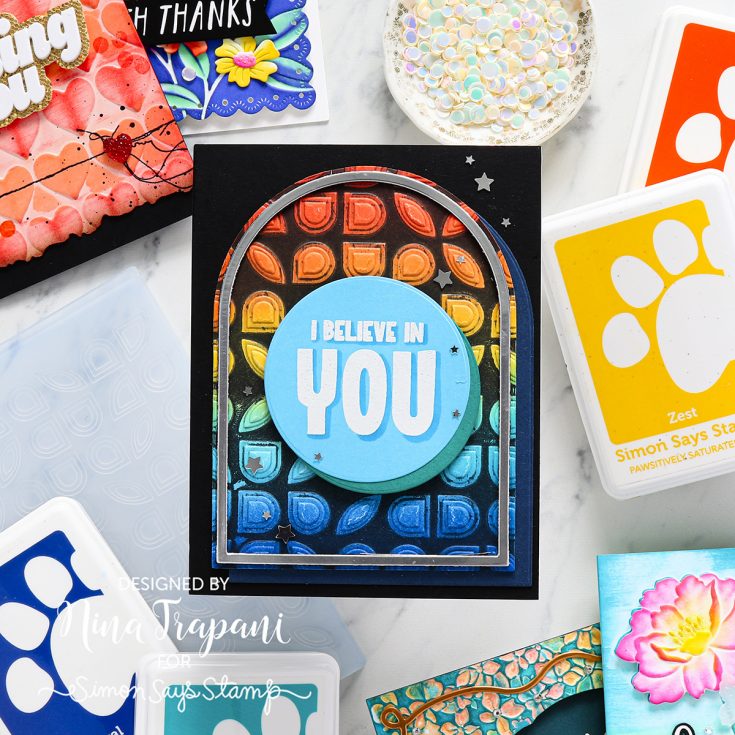
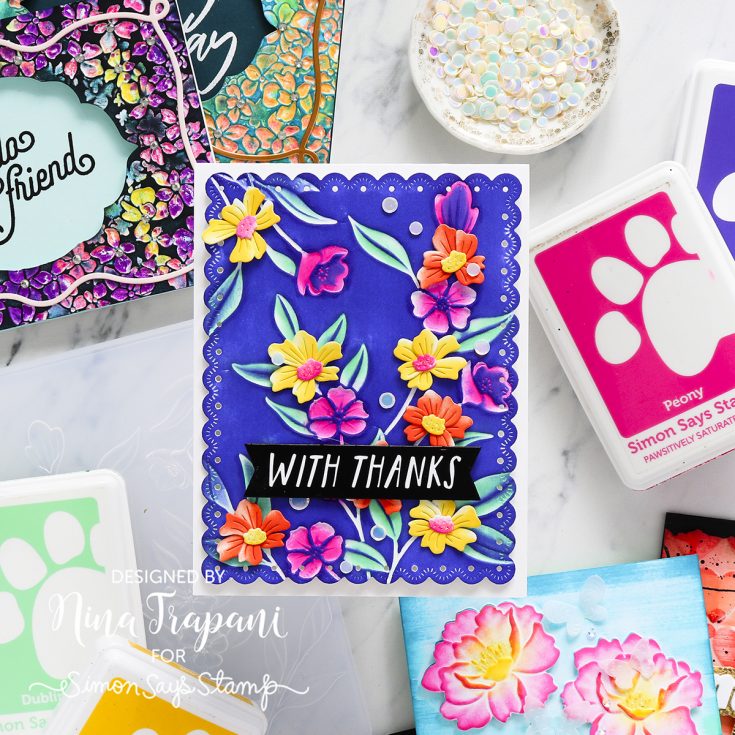
- Start with colored cardstock and use ink cubes to add more color in stripes and use border dies to cut the top and bottom
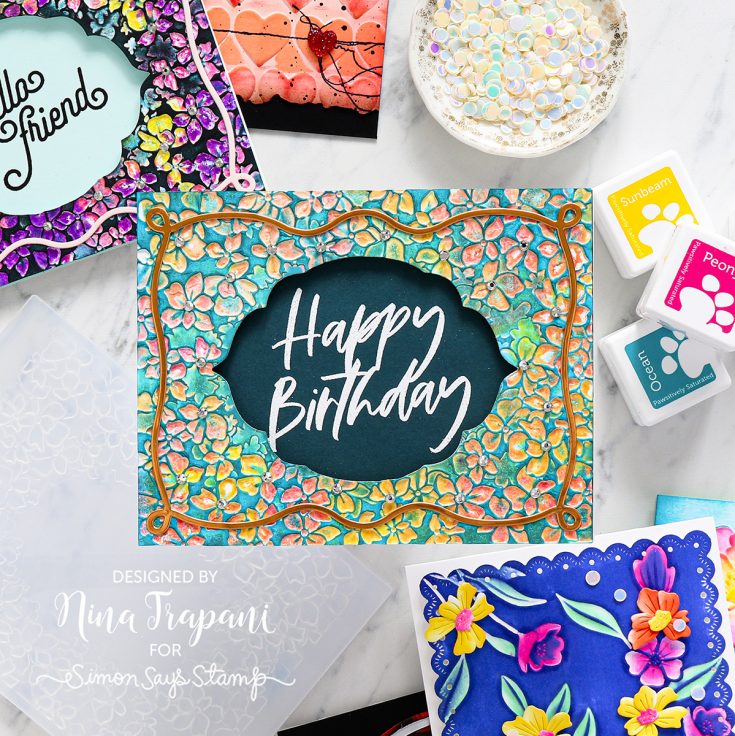
- Use 3 ink cube colors to tap on color throughout the raised side of the folder and lightly mist the folder with water to allow the colors to blend together, then swipe overtop the embossed panel with a darker color ink cube, and use a die cut to create a window
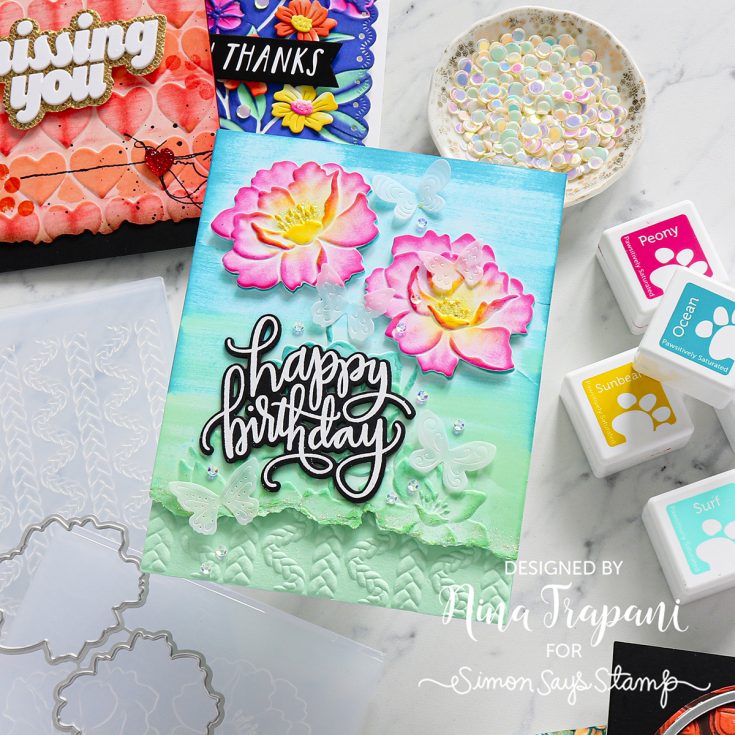
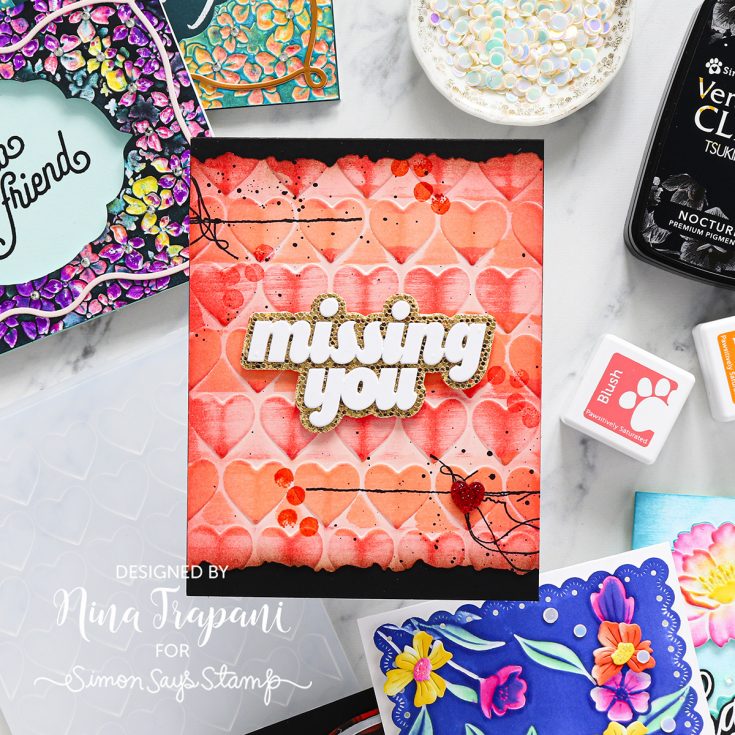
- Tear the bottom of the card base for added interest and use 3 ink cubes for a gradient of color to swipe into for an interesting background
WATCH THE VIDEO:

SUPPLIES:
|











Really fun cards!!
mark! really what i need.